Installation of a renewable TLS certificate (certbot + apache on Ubuntu)
There are many methods to obtain a certificate that allows encrypting HTTP traffic. One of them is installing Certbot and using it in conjunction with the Apache server.

Daniel Gustaw
• 2 min read
Project Description
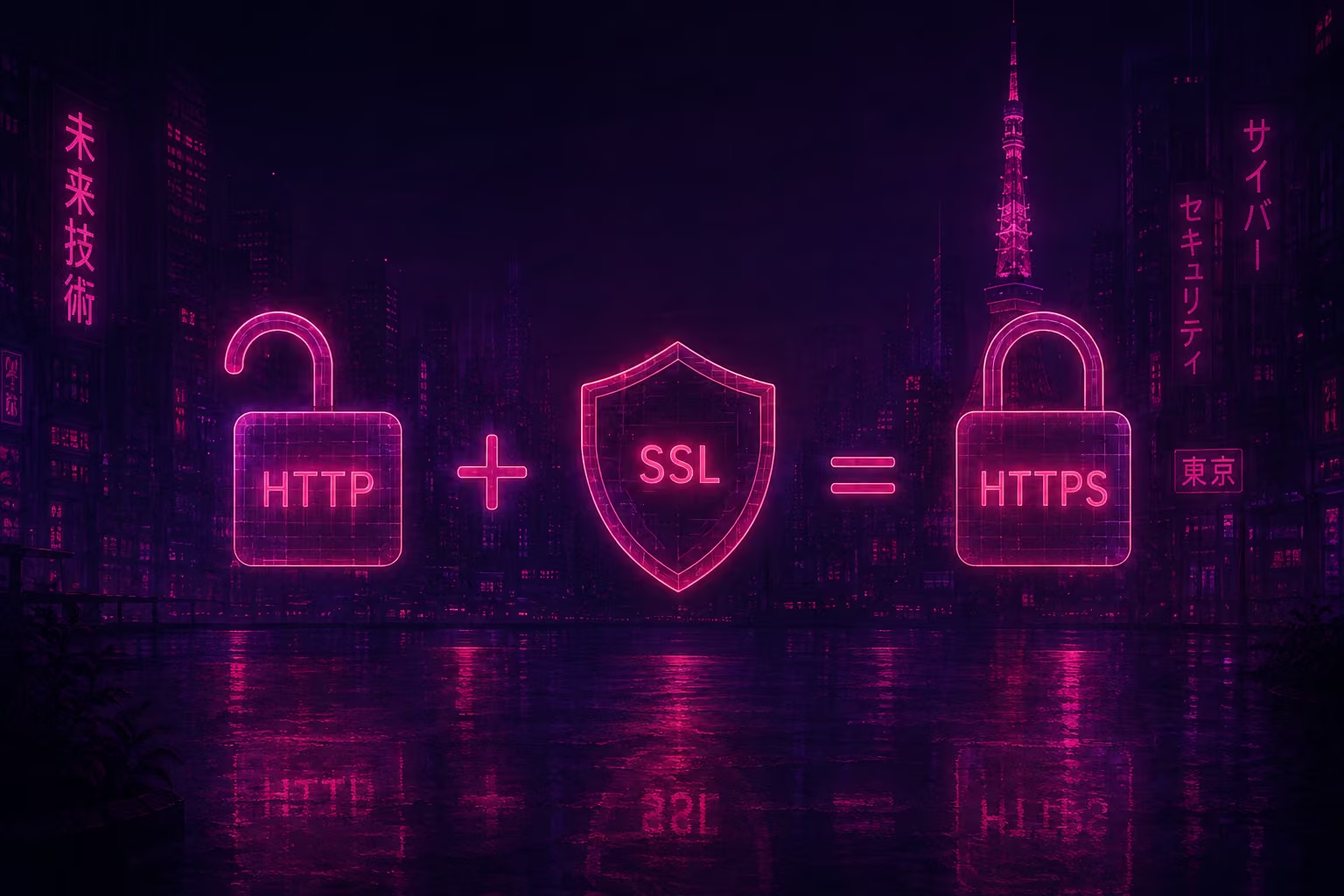
A protocol is understood as a set of rules for exchanging information. One of them is the HTTP protocol developed at CERN in 1989 - defining the method of transmitting hypertext documents. If we encrypt communication using cryptographic protocols, we get HTTPS. Its advantage is that it is resistant to eavesdropping and man-in-the-middle attacks.
As for cryptographic protocols, the currently used protocol is TLS 1.2. It is the successor to the SSL protocol, in which Google discovered a serious vulnerability in the form of susceptibility to the POODLE attack at the end of 2014. There is also a draft of version 1.3 available online, which aims to completely eliminate MD5 and RC4 deemed weak tools today and introduce elliptic curves, which are also used in Bitcoins.
The aim of this entry is to show how to install a TLS certificate.
Installation
The HTTPS protocol is becoming increasingly common, largely due to the Let’s Encrypt foundation, sponsored by EFF, Akamai, Cisco, and Mozilla. Thanks to it, the certbot program was created, which greatly simplified the process of obtaining a certificate. I assume we have the Ubuntu system and Apache 2 server installed. To install certbot, we enter the following:
apt-get install software-properties-common
add-apt-repository ppa:certbot/certbot
ENTER
apt-get update
apt-get install python-certbot-apache
We launch it with the command:
certbot --apacheNext, we provide our email, confirm our agreement to the terms of service with the letter A, answer the question of whether we want to share our email, and select domains from the list of domains specified in the Apache2 configuration. Finally, we choose whether we want to enforce https or offer https as just one of the options.
Refreshing
Since the certificate expires 90 days after its issuance, we need a mechanism for its automatic refreshing. Fortunately, this is simple. It won’t hurt if we refresh it more often. According to a trustworthy third-party guide, we add the command to refresh the certificate to cron.
crontab -eand in the file we place a line
45 1 * * 1 /usr/bin/certbot renew >> /var/log/certbot.logWe can now enjoy a green padlock on our site.
Sources:
Installation of certbot
Differences between SSL and TLS
https://luxsci.com/blog/ssl-versus-tls-whats-the-difference.html
POODLE attack
https://blog.mozilla.org/security/2014/10/14/the-poodle-attack-and-the-end-of-ssl-3-0/
Guide from a trusted third party
HTTPS usage statistics
https://www.google.com/transparencyreport/https/metrics/?hl=en
Other articles
You can find interesting also.
Scraping from money.pl in 30 lines of code.
See a simple case study of downloading and processing data from a paginated table.
Daniel Gustaw
• 8 min read

How to install MongoDB 6 on Fedora 37
Mongodb 6 installation on Fedora Linux 37. Article shows lacking fragment of official docs and two steps after installation that are presented in extremely simple way in comparison to other sources.
Daniel Gustaw
• 2 min read

Tesseract-OCR and testing selects.
We will read the content of the database table from the photo and write a few tests for database queries in Behat.
Daniel Gustaw
• 25 min read